
When it comes to DAWs, the immediate association is often with complex software that can be time-consuming, particularly in professions where efficiency is crucial—where one needs to quickly record and effortlessly edit broadcasts or news segments, just like in the days of ReVox B77 or PR99, or Studer, a time when technology was simpler than it is today.
In the Windows world, there is already SoundForge Pro, perfect for such tasks, or SoundForge Audio Studio—an application originally developed by Sony and still widely used in many media outlets. On the Mac side, there’s GarageBand or Logic Pro. However, regardless of the platform, there’s a cost involved, and simplicity in this line of work is often sacrificed amid headaches over Asio drivers, recording, buffers, and more. Even though Garageband is free, it can be cumbersome and time-consuming with each new recording.
Another challenge in a journalistic environment is that people often work on either Windows or Mac OS. TwistedWave is available for Mac OS, iOS, and Windows. There’s even an online version, although not recommended for professional use, especially considering TwistedWave costs less than $10.
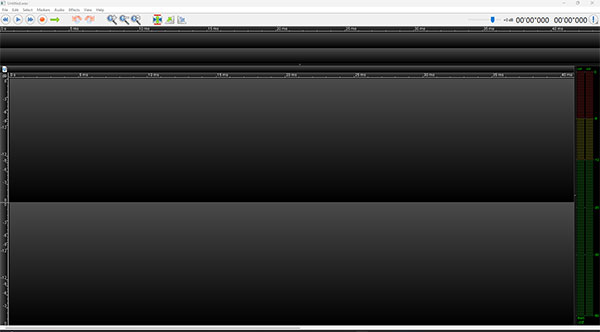
We tested TwistedWave, and the only criticism we have is its interface, reminiscent of early 2000s applications. A graphic designer could be beneficial to modernize it. However, aside from that, TwistedWave has nothing to envy compared to SoundForge Pro. Everything is more straightforward, with basic functions like editing, fade in or fade out, and graphical representations of recordings allowing on-the-fly editing with minimal learning curve. For show editors, you can even integrate your favorite VST plugins. However, it’s worth noting that for editing, nothing beats a computer with a mouse, so editing on iOS is best avoided unless for casual use or generating an iPhone ringtone, a feature available in the app.
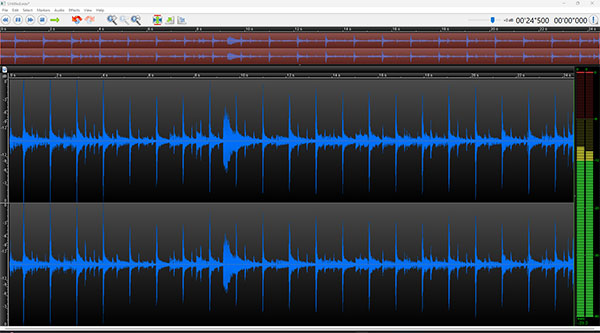
What particularly impressed us is the responsiveness of this application, its simple and fast implementation, and the extensive editing possibilities with VST plugins. As we had a VST license, we used it for this application, and again, the fluidity was evident. This application is highly optimized, and it’s the one we’ll now use on Bayou Blue Radio. It allows us to train technicians, journalists, and hosts in just one day, saving considerable recording time. A large red button to record, turning blue during recording, and becoming a ‘Stop’ button for recognized Asio drivers without delving into preferences—what more could we ask for? TwistedWave, for us, is a highly professional application that all media professionals should consider using, as we find it perfectly suited to our needs.
Thierry De Clemensat
Editor in Chief
Bayou Blue Radio, Bayou Blue News